
How to Get Traffic to a New Blog (No Experience Needed)
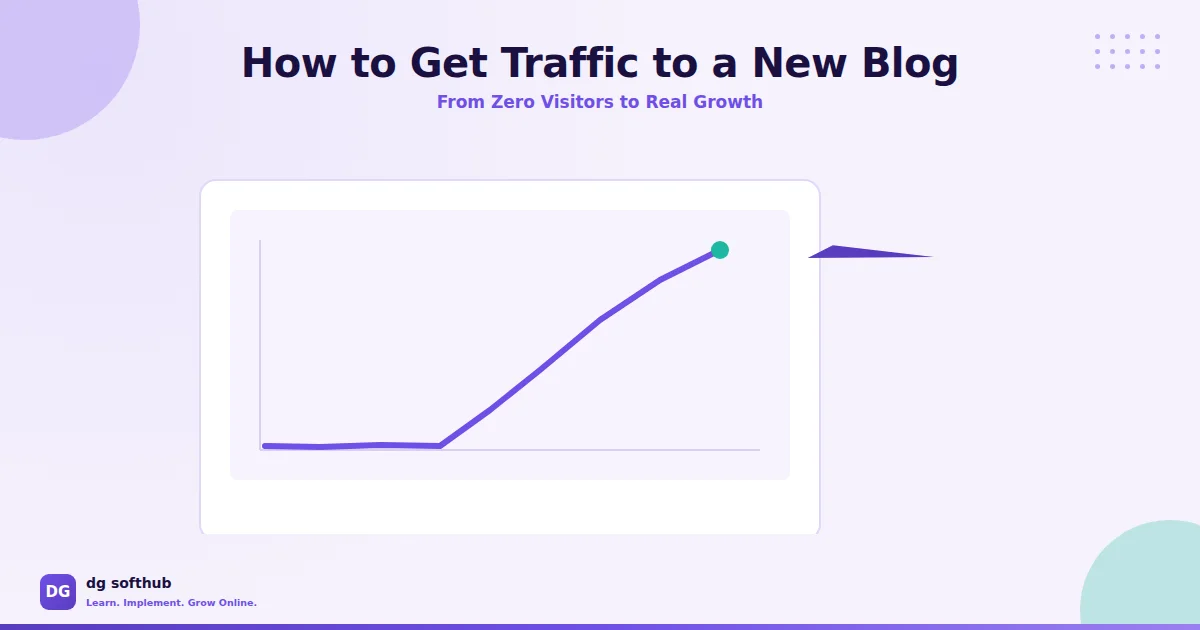
You publish your first post, refresh the page fifty times, and watch the visitor count sit at zero. That’s not a sign you’re doing something wrong — it’s just what happens to every new blog before anyone finds it. Learning how to get traffic to a new blog isn’t about luck or some secret trick nobody told you about.
This post covers exactly what to do in your first weeks and months to start pulling in real visitors, step by step.
Why New Blogs Get Zero Traffic (And What To Fix First)
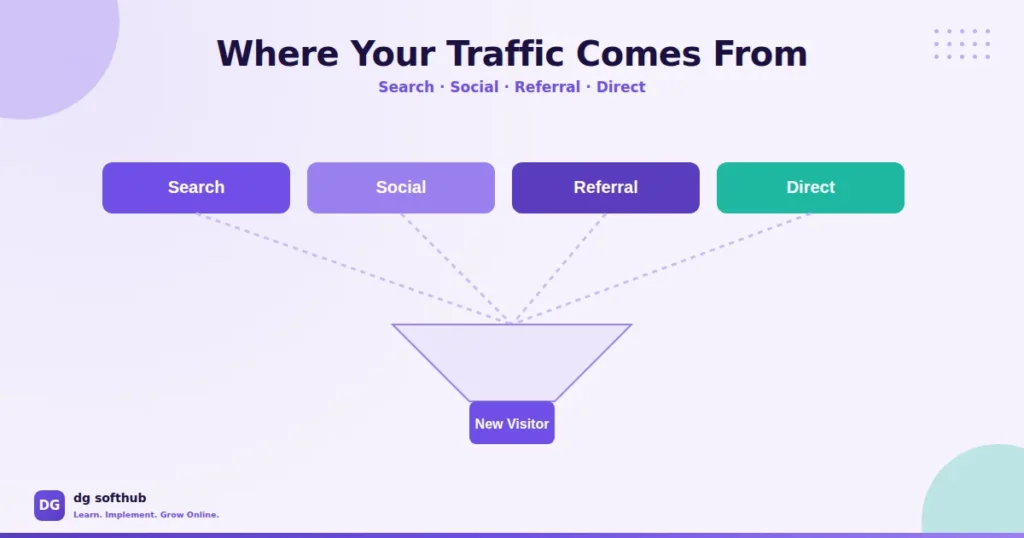
Here’s the uncomfortable truth: Google doesn’t know your blog exists yet, and neither does anyone else. No amount of good writing fixes that on its own. Traffic doesn’t show up because you published — it shows up because people can find what you published.
Most beginners skip straight to writing more posts when the real problem is visibility, not volume.
You’re Solving the Wrong Problem First
If you’ve published five posts and got five visitors, more posts won’t fix that. What fixes it is making sure Google can actually find and understand the posts you already have, and giving people a reason to click when they do see them. Fix visibility before you worry about volume.
Get Indexed Before You Do Anything Else
If your post isn’t indexed, it doesn’t matter how good it is — it’s invisible. This is the single most skipped step for brand new blogs, and it’s the fastest one to fix.
Submit Your Sitemap to Google Search Console
If you haven’t already, connect your site to Google Search Console and submit your sitemap (usually something like yoursite.com/sitemap.xml if you’re using AIOSEO). This tells Google your site exists and gives it a map to crawl.
Request Indexing for Individual Posts
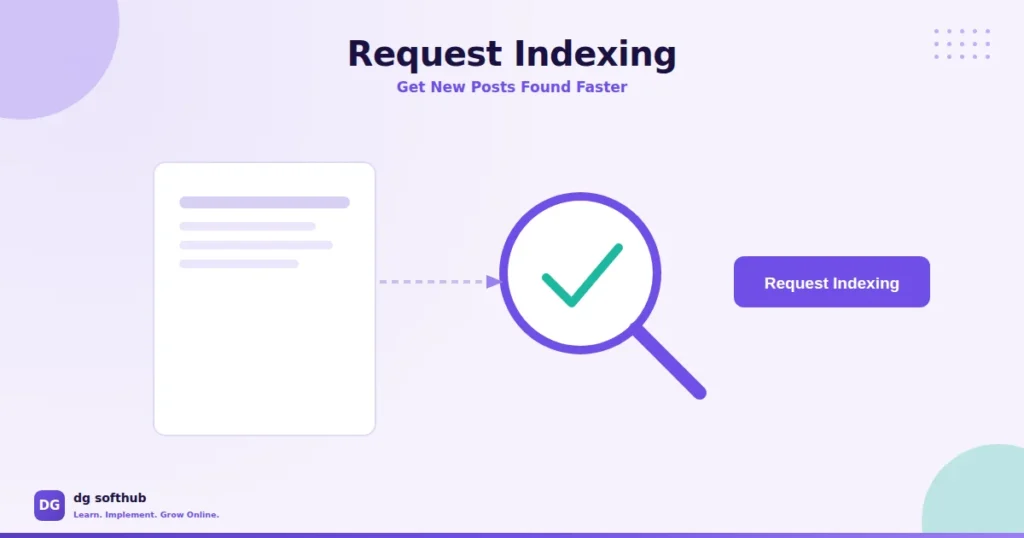
Don’t wait for Google to find new posts on its own — that can take weeks. Use the URL Inspection tool in Search Console, paste in your post’s URL, and hit “Request Indexing.” It takes thirty seconds and can cut the wait from weeks down to a day or two.
In practice, what this looks like is: publish your post, immediately go request indexing, then move on to the next task. Make it part of your publishing checklist, not an afterthought.
Target Keywords You Can Actually Rank For
A brand new blog has zero authority in Google’s eyes. Going after competitive keywords right now is like showing up to a marathon on your first day of running — technically possible, realistically pointless.
Think about it this way: if your blog is brand new, trying to rank for “SEO” is like competing with websites that have been around for years. A more realistic target would be phrases like “how to get traffic to a new blog,” “SEO tips for beginner bloggers,” or “how to write your first SEO blog post.” They’re more specific, match what beginners are actually searching for, and give your content a better chance of appearing in Google results.
We break down the exact process for finding these in our guide on how to find low competition keywords. Once you have a topic, structure the post properly — our guide on how to write SEO friendly blog posts walks through the whole framework.
Here’s where things usually go wrong: people target the keyword they wish they could rank for, not the one they actually can right now.
Use Social Media to Seed Initial Traffic (Not Grow an Audience)
Social media won’t build you a loyal following overnight, and treating it like it will just leads to burnout. What it’s actually good for early on is seeding traffic — getting a handful of real visitors to your first posts while SEO slowly catches up in the background.
Pick One Platform, Not Five
Trying to post on Facebook, Instagram, Twitter/X, Pinterest, and LinkedIn all at once as a beginner is how you end up doing all of them badly. Pick the one platform where your actual audience spends time, and post there consistently. A scheduling tool like Buffer makes this manageable without living on your phone all day.
Pinterest Is Underrated for Blog Traffic
If your niche has any visual angle at all — and most do — Pinterest sends longer-lasting traffic than almost any other platform, because pins keep surfacing in search for months after you post them. It’s not instant, but it compounds.
Answer Questions on Reddit and Quora (The Underrated Traffic Source)
This is the part nobody talks about enough. People are already asking the exact questions your blog post answers on Reddit and Quora — right now, today. Find those threads, give a genuinely useful answer, and only link to your post when it actually adds value to your answer.
One rule: answer the question first, link second. If your comment reads like an ad, it gets removed and it doesn’t help anyone — including you.
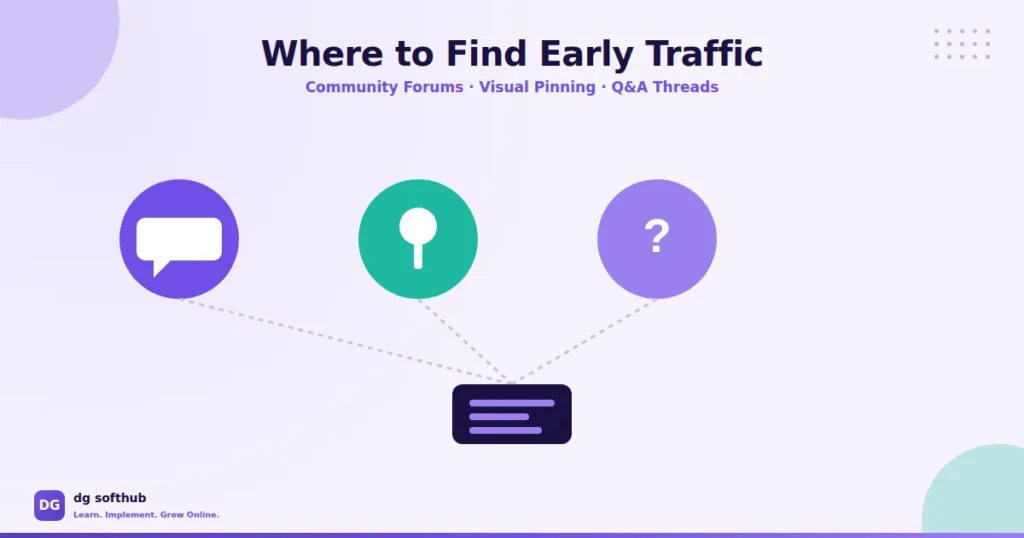
Guest Post or Comment on Related Blogs to Build Early Backlinks
A brand new site has no backlinks, which is part of why Google is slow to trust it. You don’t need dozens of backlinks early on — a handful from relevant, real blogs goes a long way.
Leave genuinely useful comments on blogs in your niche (not “great post, check out my site” — that gets deleted instantly). Better yet, reach out and offer to write a guest post. It’s slower than posting on your own blog, but a single guest post on a site with an existing audience can send more traffic in a week than three months of solo publishing.
Use Internal Linking to Spread Traffic Across Your Site
Every time someone lands on one post, internal links are your chance to keep them exploring instead of bouncing straight back to Google. This also helps Google understand how your content connects, which matters for a site with little authority yet.
We go deeper on how to do this properly in our post on writing SEO friendly blog posts, but the short version: link to 2–3 relevant posts naturally within your content, using descriptive anchor text instead of “click here.”
Repurpose One Post Into Multiple Content Pieces
You don’t need ten new ideas — you need to get more mileage out of the posts you’ve already written. Turn one blog post into a Twitter/X thread, a few Instagram carousel slides, and a short Pinterest graphic. Same core idea, different formats, more chances for someone to find it.
I’ve seen beginners burn out trying to create constant new content when repurposing one solid post would’ve gotten them further, faster.
Related Guides:
Track What’s Working in Search Console
Once you’ve been publishing for a few weeks, go back into Search Console and check the Performance tab. Which queries are actually bringing impressions? Which posts are getting clicks, and which are getting seen but ignored?
Don’t worry if the numbers seem small at first. For a brand-new blog, even a steady increase in impressions is a sign that Google is starting to discover and trust your content.
Need a simple checklist to put everything into action? Download the free Digital Marketing Starter Kit below.
Frequently Asked Questions
Q: How long does it take to get traffic to a new blog?
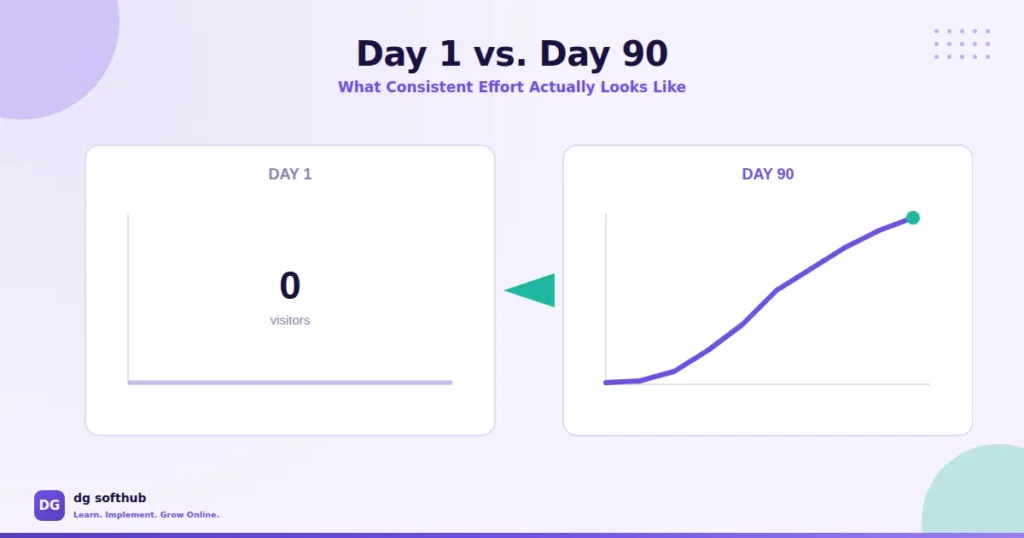
Realistically, 60 to 90 days before you see any consistent movement, and often longer for competitive niches. Anyone promising traffic in a week is either selling something or talking about paid ads, not organic search.
Q: Do I need social media to get traffic to a new blog?
Not strictly, but it helps in the early months while SEO is still catching up. Think of social as a bridge to get initial visitors while your site builds authority in Google’s eyes.
Q: Should I focus on SEO or social media first?
Do both, but weight your time toward SEO — it’s the channel that keeps working for you months and years later, while social posts have a short shelf life (Pinterest being the exception).
Q: How many blog posts before I see traffic?
There’s no fixed number, but most new blogs need at least 15–20 well-optimized posts targeting low competition keywords before traffic starts to feel consistent rather than random.
Q: Do backlinks matter for a brand new blog?
Yes, but you don’t need many. A few relevant, genuine backlinks from real blogs or guest posts matter more than a pile of low-quality ones.
Q: Is Pinterest actually worth it for blog traffic?
If your content has any visual angle, yes — pins can keep sending traffic for months after posting, which is rare for social platforms.
Q: Do I need paid ads to get initial traffic?
No. Paid ads can accelerate things, but plenty of blogs grow entirely on organic search, social seeding, and community engagement — especially in the beginner phase when budgets are tight anyway.
What You Should Do Next
- Connect Search Console today if you haven’t, and request indexing for every post you’ve already published.
- Pick one low competition keyword and one social platform — just one — and commit to both for the next 30 days.
- Find 5 relevant Reddit or Quora threads this week and answer genuinely, linking only where it adds real value.
- Go back through your existing posts and add 2–3 internal links between them.
- In 30 days, check Search Console performance data and adjust based on what’s actually getting impressions.
That’s the real process — not overnight, not magic, just consistent, boring steps that compound over a few months.
ABOUT THE AUTHOR
Muhammad Arif Hussain
Muhammad Arif Hussain is the founder of DGSoftHub, a digital marketing education platform built for beginners who want practical results, not theory. He writes step-by-step guides on SEO, AI tools, content strategy, and online business growth — cutting through the noise to share what actually works. When he’s not publishing at dgsofthub.com, he’s testing new tools so his readers don’t have to.
© 2026 DGSoftHub • dgsofthub.com • Learn. Implement. Grow Online.


As someone just starting out, I found the emphasis on SEO and low-competition keywords really helpful. It’s easy to get overwhelmed, but breaking it down into simple steps like using keywords in titles and posting consistently makes the process feel much more manageable.
Thank you so much for your kind words! I’m really glad you found the SEO tips helpful. Starting out can definitely feel overwhelming, but breaking things into simple steps makes it much easier. Keep applying these strategies consistently, and you’ll start seeing results. Feel free to ask if you have any questions!
[…] How to Get Traffic to a New Blog […]
[…] How to Get Traffic to a New Blog (No Experience Needed) […]